Frequently Asked Questions
Answers to common setup and compatibility questions.
How long does setup take?
Most merchants set up ArrivesBy in under 5 minutes. Install the app, choose where delivery dates should appear, and ArrivesBy automatically starts showing accurate ETAs based on your rules and inventory.
Will it work with my theme?
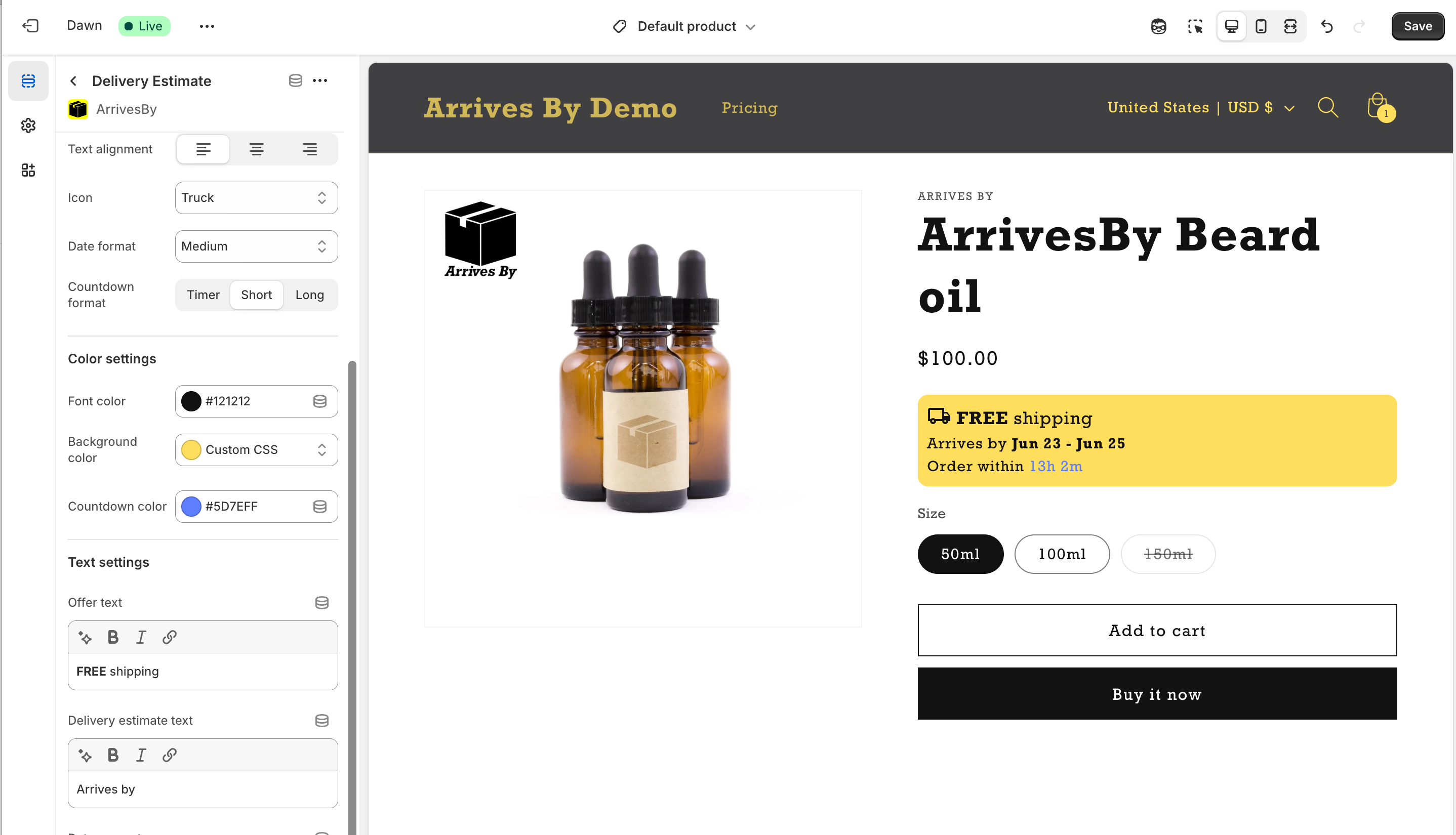
Yes. ArrivesBy works with all modern Shopify 2.0 themes. If your theme needs any adjustment, the app will flag it during setup and you can enable the block manually in the Theme Editor with one click.
What if my store uses pre-orders or backorders?
ArrivesBy fully supports pre-orders and backorders, including custom timelines for out-of-stock, incoming, or delayed items. ETAs automatically adjust as stock levels change.
Does it support multiple locations or fulfillment methods?
Yes. You can create rules for specific locations, regions, products, variants, warehouse cutoffs, holidays, and custom shipping timelines. Multi-location stores can use highly detailed configurations.
How accurate are the delivery dates?
ArrivesBy uses your processing times, carrier speeds, cutoff times, timezone, and real order data. You can also review delivery accuracy over time and fine-tune rules whenever needed.
Will it slow down my store?
No. ArrivesBy is optimized to be extremely lightweight and load instantly. Many merchants switch from other ETA apps specifically to reduce page weight and improve speed.
Does ArrivesBy work for international orders?
Yes. You can set different timelines for local, domestic, and international shipping zones. Shoppers automatically see ETAs that match their location.
Is there a free trial?
Yes — ArrivesBy includes a 7-day free trial, giving you full access to all features before committing.