
ArrivesBy Blog
How to Show Accurate Delivery Dates Across Product, Cart, and Checkout on Shopify
Delivery dates shouldn’t disappear as shoppers move through your store. Here’s how to show consistent, accurate delivery dates across product pages, cart, checkout, and post-purchase.
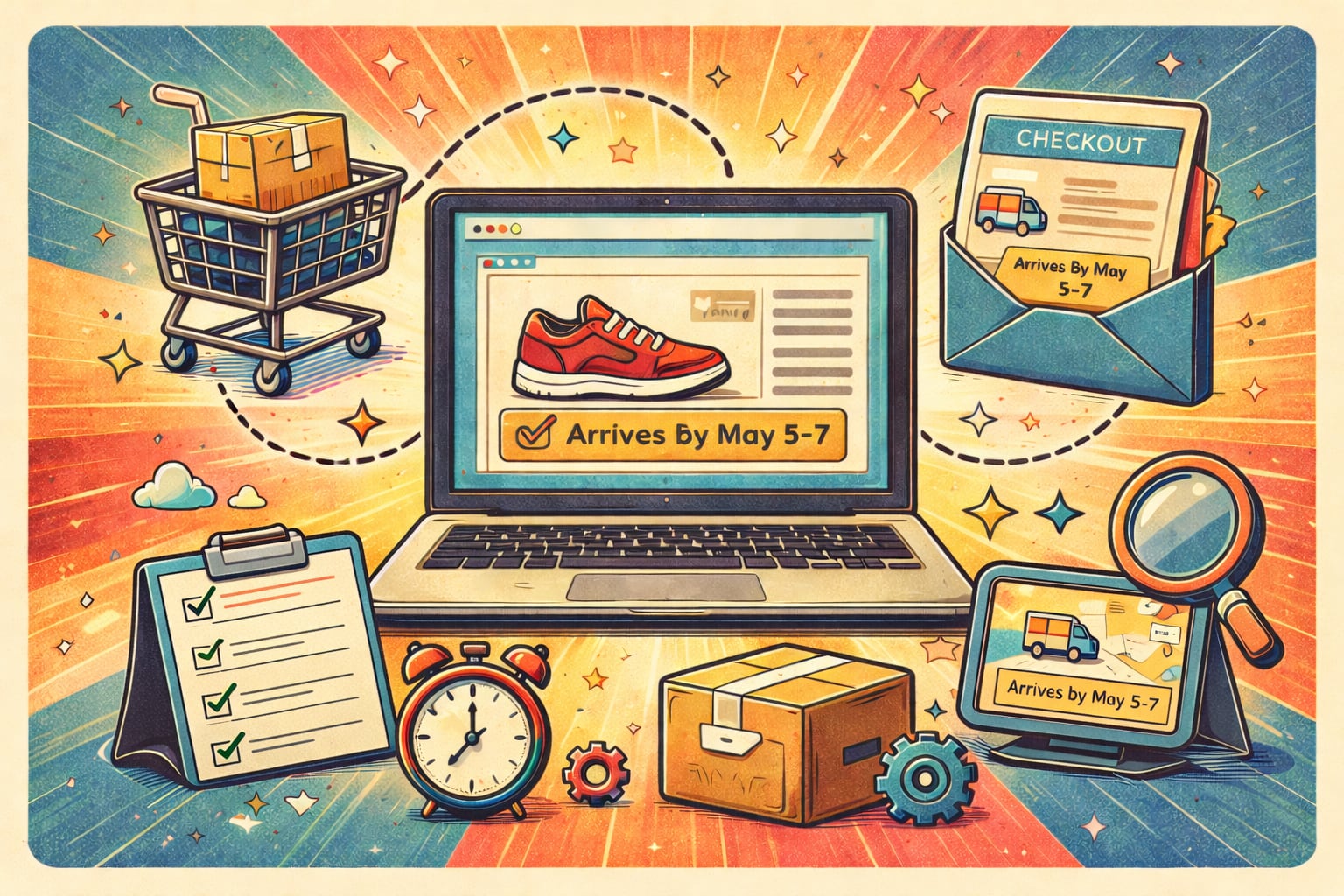
Intro
Most Shopify stores start by adding delivery dates to the product page.
That’s a good first step, but it’s rarely enough.
When I was running my own Shopify store, the first place I added delivery dates was the product page. It was an easy change, and I was focused on improving conversion rate. Putting ETAs where most shoppers spend their time made intuitive sense.
And it worked. Conversions improved.
But it didn’t solve another problem I was dealing with: WISMO (Where is my order?) requests.
Even though shoppers saw delivery estimates before buying, that information didn’t stay with them. As soon as they moved past the product page, the delivery context was gone. Customers forgot what they’d been promised, and uncertainty crept back in after checkout.
As shoppers move from product page to cart to checkout, delivery information often disappears or changes. When that happens, confidence drops at the exact moment a purchase decision is being made.
This post explains where delivery dates should appear, why consistency matters, and how merchants should think about delivery dates as part of the buying funnel rather than a single page feature.
Why delivery dates can’t live on the product page alone
Product pages are where expectations are set.
But shoppers don’t commit there. They commit at checkout, when they actually spend their money.
If delivery dates vanish or change later in the flow, shoppers are forced to re-evaluate whether they can trust what they saw earlier. Some misremember the original estimate. Others forget it entirely.
That moment of uncertainty is where hesitation, abandonment, and support tickets often begin.
Where delivery dates should appear in a Shopify store
Delivery dates work best when they appear consistently across the full buying journey.
Product page
Set expectations early. This is where shoppers decide whether timing works for them at all. Clear delivery dates here help shoppers feel comfortable moving forward. See our guide on where exactly to show delivery dates on Shopify for the highest conversion impact.
Cart
Reinforce what was promised. The cart is a moment of review, and delivery timing should still be visible so shoppers don’t have to rely on memory.
Checkout
Lock in confidence. This is where uncertainty is most expensive. Reinforcing delivery timing at checkout helps shoppers feel confident completing the purchase, especially when timing matters, like ordering gifts before the holidays or buying something needed for an upcoming trip.
Post-purchase
Reduce WISMO. Showing delivery dates after purchase reassures customers and cuts down on “Where is my order?” messages. This can include confirmation emails, the thank-you page, or the order status page.
What breaks when delivery messaging isn’t consistent
When delivery dates aren’t shared consistently across the buying journey, a few common problems show up:
- Dates disappear between pages
- Different dates appear in different places
- Shoppers second-guess whether delivery is reliable
- Support tickets increase after purchase
These issues usually aren’t caused by bad intent. They’re often the result of delivery logic being split across multiple tools, pages, or workarounds.
This is also where transparency starts to matter.
I’ve worked with stores that are heavily focused on improving conversions and end up using urgency tools like countdown timers that say things like “Order in the next 2 hours to get it by tomorrow.” At first glance, this feels helpful. But after browsing longer or returning later, shoppers notice the timer always resets.
That kind of urgency can create a short-term lift, but it comes at a cost. When shoppers realize delivery messaging isn’t grounded in reality, trust erodes.
Delivery dates and countdowns should exist to build confidence, not manufacture pressure. When they’re accurate and consistent, they support real purchase decisions instead of undermining them.
Common approaches merchants use (and their limits)
Merchants typically handle delivery dates in a few common ways:
- Product-only delivery messaging
- Theme-level customizations
- Checkout scripts or extensions
- Apps that centralize delivery logic
Each approach has tradeoffs. The key difference is whether delivery timing comes from a single source of truth or is stitched together separately on each page.
When delivery logic is stitched together, it’s easy for the experience to become inconsistent. A shopper might see one delivery estimate on the product page and a different message, or nothing at all, by the time they reach checkout.
When that happens, shoppers are forced to decide which information to trust. Some hesitate. Others abandon the purchase entirely. Even when the order goes through, mismatched delivery messaging increases the chance of confusion and support requests later on.
By contrast, a centralized approach allows delivery timing to stay consistent across the entire buying journey, reducing uncertainty at each step.
What to look for in a scalable delivery setup
As stores grow, delivery dates need to:
- Be calculated once and reused everywhere
- Reflect inventory and fulfillment state
- Adapt to location and shipping method
- Stay consistent across product, cart, checkout, and post-purchase pages
For a deeper look at how to maintain accuracy as your catalog and operations expand, see how to keep delivery estimates accurate as your store scales.
What matters most is reliability.
Delivery messaging should be based on real data and shared logic, not one-off rules or page-specific workarounds. When delivery timing is calculated consistently and carried through the entire buying journey, shoppers know what to expect and merchants can confidently stand behind the promise.
Conclusion
Delivery dates are part of the buying funnel, not just decoration on a product page.
When delivery timing stays visible and consistent from first impression through checkout and beyond, shoppers feel more confident and merchants spend less time answering WISMO questions.
Getting this right early makes it much easier to scale without breaking trust later.
For stores that want delivery dates to stay consistent across the entire funnel, ArrivesBy is designed to manage that automatically.